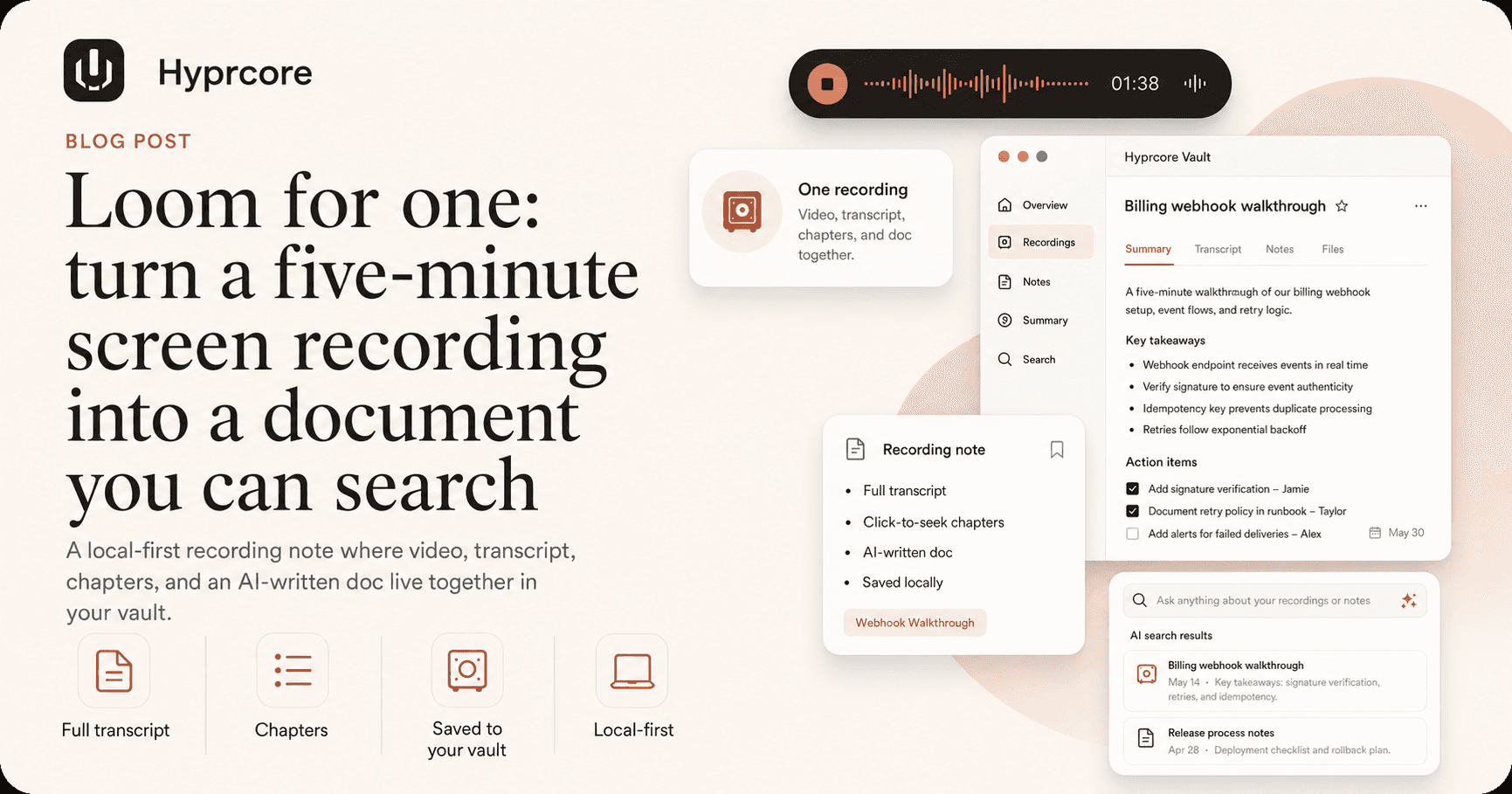
Loom for one: how to turn a five-minute screen recording into a document you can search
Async video solved the recording problem and left the knowledge problem exactly where it found it — a link nobody can search, skim, or quote. Here is what changes when a solo screen recording comes back as a transcript, chapters, and a written doc in a vault you own.
You know the recording. Someone asks how the billing code works, or how to run the release, or why the staging database is laid out like that — and rather than write a page you will never finish, you hit record, share your screen, and talk for five minutes. It is the fastest honest answer you have. You send the link. They watch it. It works.
Then it dies. Six weeks later a new person asks the same question, and nobody remembers the recording existed — and if they did remember, they could not find it, because you cannot search a video. So you record it again. The knowledge was captured and it still evaporated.
Async video solved the wrong half of the problem
Loom and the tools like it made recording effortless. That was a real contribution — it took a thing that used to require a screen-capture app, a file, and a Dropbox link, and turned it into a browser tab. But look closely at what they optimized: distribution. Getting the video from your machine into someone else's eyeballs, fast. That is the recording problem, and it is solved.
The knowledge problem is the other one, and nobody touched it. A video link is a dead end for everything you want to do with an explanation after the first viewing:
- You cannot search it. Not with ⌘F, not with your notes search, not with anything. The words are in there; they are just not text.
- You cannot skim it. A five-minute video takes five minutes — or two and a half at 2×, which is still fifteen times longer than reading the same content.
- You cannot quote it. Nobody pastes a video into a pull request to explain why the retry logic is capped at three.
- You cannot read it on a train, in a meeting, or anywhere else you cannot play audio.
- You cannot hand it to an AI tool. Your assistant can read every document you own and not one second of your video library.
- You do not really own it. It lives on someone's servers, behind someone's pricing page, until the day it does not.
None of that is a complaint about video. Video was the right way to capture the explanation — you talked through it in five minutes because talking is faster than writing, and pointing at the screen is faster than describing it. The capture was right. The container was wrong.
What a solo recording should actually come back as
Here is the test. You record five minutes about the billing webhook. What should exist tomorrow morning?
- 01The recording itself, playable, because sometimes you do need to watch someone point at the thing.
- 02A full transcript, timestamped, so the words are text and text is searchable.
- 03Chapters, so a person who only needs the last ninety seconds can jump to the last ninety seconds.
- 04A written document — the explanation, in prose, that you would have written if you had the hour.
- 05All of it in the same place as everything else you know, so it turns up when someone searches for "billing" nine months from now.
That last one is the whole game, and it is the one every async-video tool skips. A recording in a separate app with a separate search box is a silo with a nicer player.
How it works, end to end
1. Hit record
Start a recording note from the Home screen, the sidebar, the command palette, or a right-click inside any folder — and if you do this often, bind a shortcut to it in Settings so the thought never has to survive a trip through a menu. Two modes: screen and mic, or audio only. Audio-only needs no screen-recording permission at all, which makes it the right pick for thinking out loud on a walk.
2. Talk the way you would talk to a person
This is the only technique worth knowing: say the structure out loud. "First, where the code lives." "The part that trips everyone up is the webhook." "If a charge fails, here is what you do." You are not performing — you are giving the chaptering something to chapter, and the doc something to organize itself around. Five minutes of narrated clicking produces a better document than fifteen minutes of silent clicking, every time.
3. What lands in your vault
A directory, next to your meetings and pages, holding plain files:
folders/Inbox/2026-07-10_billing-walkthrough_ab12/
├── index.md                    # the note: Doc, Chapters, Notes
├── recording-1752...mp4        # the screen + mic recording
├── recording-1752...-mic.wav   # the stems, kept
└── transcript.jsonl            # every segment, timestamped
Open index.md in any editor and you will find three sections. Doc is the AI-written explanation, and you can edit it — it is your document now, not a read-only output panel. Chapters is a timestamped outline, one line each, in the shape of "[02:14] The webhook that trips people up". Notes is your own scratchpad, for the thing you remembered ten minutes after you stopped recording.
No database. No proprietary format. A folder with a video, a transcript, and a markdown file — which means it backs up like a folder, syncs like a folder, and outlives us like a folder.
4. Read it back, three ways
Open the note and the player sits at the top with the transcript beside it. Click any line of the transcript and the recording jumps there. Click a chapter and it jumps there. Or ignore the video entirely and read the doc, which is what will happen ninety percent of the time — because reading is faster, and the video was always a delivery mechanism for the words.
5. Ask it questions
Every recording has its own Ask chat, with the doc, your notes, and the timestamped transcript as context. "What did I say the retry limit was?" is a question you can now ask a five-minute video, which is a sentence that would have been nonsense two years ago. And because the recording is a first-class thing in the vault, it turns up in full-text search alongside your meetings — and the agent can read it when it is answering something else entirely.
The transcript beats the video, even when the video is good
People resist this because the video feels richer, and in the moment it is. But richness is not the axis that matters after the first watch. Reading is roughly four times faster than listening, and skimming is faster still — you can eat a five-minute explanation in forty seconds and know exactly which forty seconds of the video you actually need to watch. Playback speed does not fix this. 2× is still linear. A document is random access.
“A video is a queue. A document is an index. The second one is what a team can build on.”
And the document compounds in a way the video cannot. It gets edited when the answer changes. It gets linked from the page about the billing system. It gets read by the assistant that is drafting the onboarding guide. The video sits still while the document goes to work.
What this is not
This is not a video production tool, and we are not pretending otherwise. There is no editing timeline, no zoom-and-pan cursor choreography, no webcam bubble in the corner, no branded share page with view counts. If you are making a customer-facing demo or a marketing walkthrough, use a tool built for that — you will be happier.
There is also, today, no hosted link to send someone. A recording note is a folder on your disk; sharing it means sharing the file, or sharing what came out of it — which for most internal explanations is the doc anyway, and the doc is text you can paste anywhere. If a link is what you need, that is a fair reason to keep using a video tool alongside this.
And the doc is AI-written, which means it is a draft with a good memory, not a scribe with perfect judgment. It reorganizes what you said; it does not verify it. The transcript is the record — the doc is the useful lie you get to correct in thirty seconds instead of writing from scratch in thirty minutes.
The next time someone asks you a question
The instinct to record a quick walkthrough instead of writing a page is a good instinct — it is why async video won. The mistake was letting the answer live inside a video file, where none of the things you do with knowledge are possible.
So: the next time someone asks you how something works, hit record and talk for five minutes. Then go look at what is sitting in your vault when you are done — a transcript you can search, chapters someone can skip to, and the page you never had time to write. Hyprcore is free to download and runs natively on macOS and Windows.
More reading
Try Hyprcore
One workspace for the words you type, dictate, and record.
Native on Mac and Windows, local-first by default, and free to download.